Formatting a Person or group type column
This blog demonstrates how you could apply different formatting to a person or group type of column in a SharePoint Online list. With column formatting a last name, first name format is applied.
Discover the new
This blog demonstrates how you could apply different formatting to a person or group type of column in a SharePoint Online list. With column formatting a last name, first name format is applied.

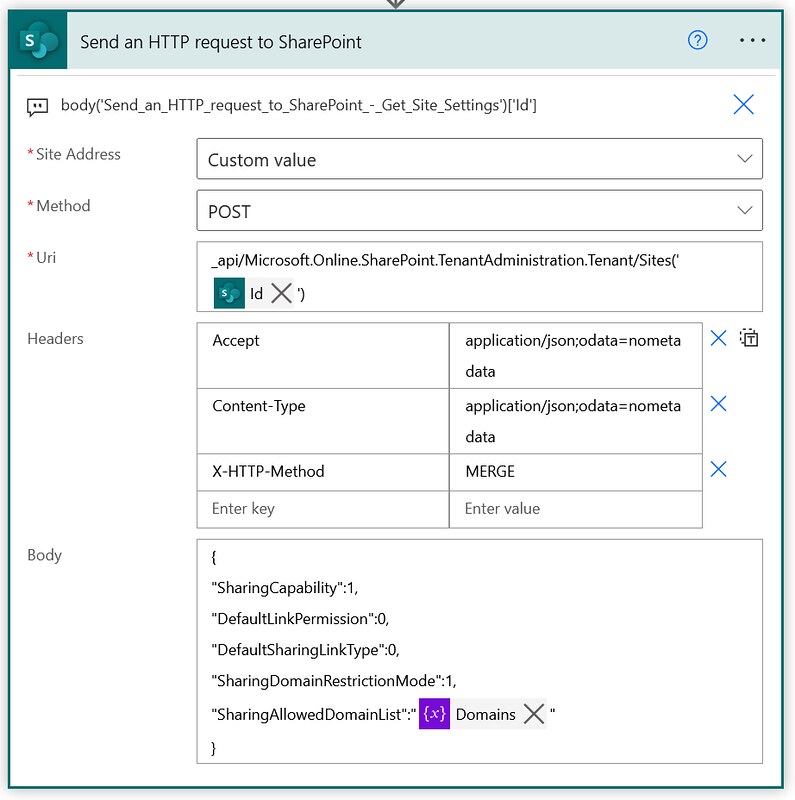
This is a note to self kind of article. I found a way of managing the allow list for external sharing of individual SharePoint Online sites via Power Automate. This example shows how you...
In SharePoint Online you can declare and undeclare records in place. In this article I am showing you how you can undeclare such a record via the Graph API and Power Automate.
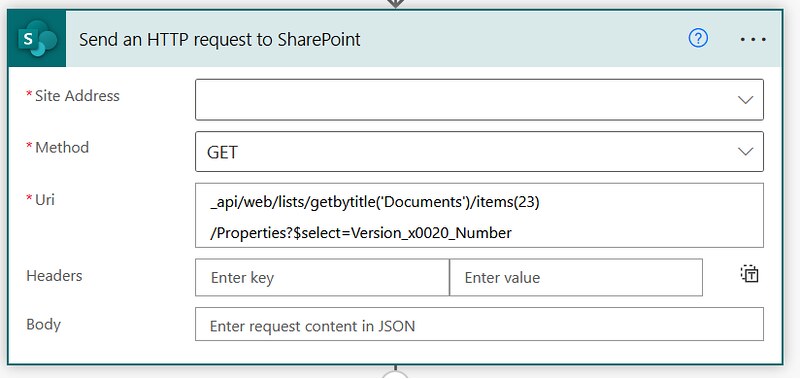
In SharePoint Online you can assign metadata to documents. However, Office Open XML files can also have document properties. In this article I am showing you how you can retrieve those via Power Automate.
This time a short blog about creating recurrent events. In SharePoint events lists you have the option to create events with recurrence settings. In this blog I will show you how you can create...
Again a blog about list formatting in SharePoint Online. This time I am trying to create an alphabet filter for a list with client names. This solution is also using dynamic filtering feature.
Recently Tetsuya and Michel shared some great examples of a new option in List formatting. You can now use a setValue action within List formatting.
Grouping by, getting the sum, count number of items. These are pretty typical requirements for interacting with SharePoint lists in Power Automate. Today I will show you how you can retrieve the Subtotal of...
This one has been on my to-do list for a while. Dynamically retrieving the columns which have changed in a SharePoint Online list item or file. This article explains how you can use an...
There is no specific trigger action for whenever SharePoint news is posted. This article explains how you could work around this by using a trigger condition expression.