Hide column on New Item form
SharePoint Online lists have forms for entering new items and editing items. Sometimes you want to hide a column on this type of form. In this blog I will demonstrate how you can hide...
Discover the new
SharePoint Online lists have forms for entering new items and editing items. Sometimes you want to hide a column on this type of form. In this blog I will demonstrate how you can hide...
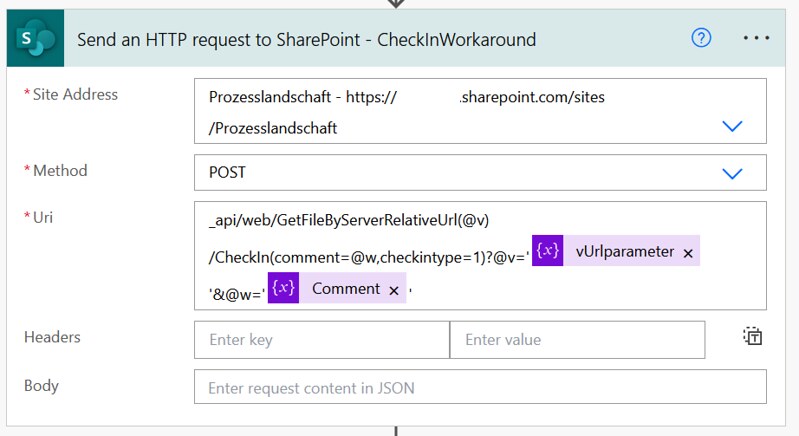
Via a Power Automate flow you can interact with the SharePoint REST API via a Send an HTTP request action. Sometimes you can run into the maxUrlLength limit with this approach. This blog shows...
The REST API is a great option for a lot of operations in SharePoint Online. Today I am going to demonstrate how you can create a calculated field in a list with a Power...
Topic of today is SharePoint Hub sites and the associated sites. In this article I am going to show you how you can create a site, associate it to a hub and disable the...
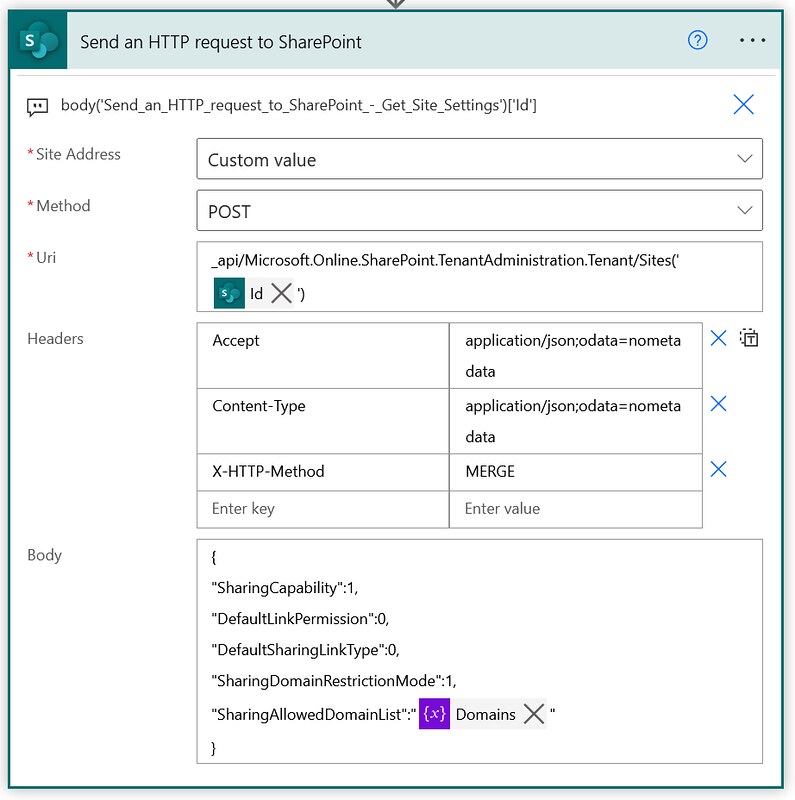
This is a note to self kind of article. I found a way of managing the allow list for external sharing of individual SharePoint Online sites via Power Automate. This example shows how you...
In SharePoint Online you can declare and undeclare records in place. In this article I am showing you how you can undeclare such a record via the Graph API and Power Automate.